What Docklet is
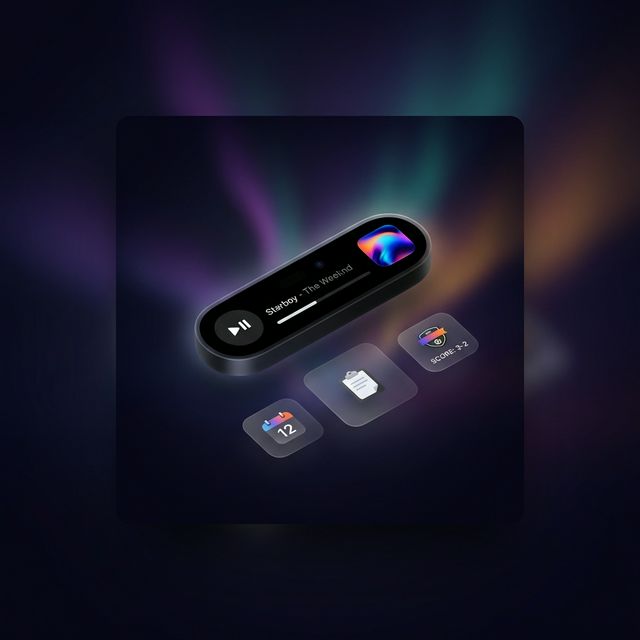
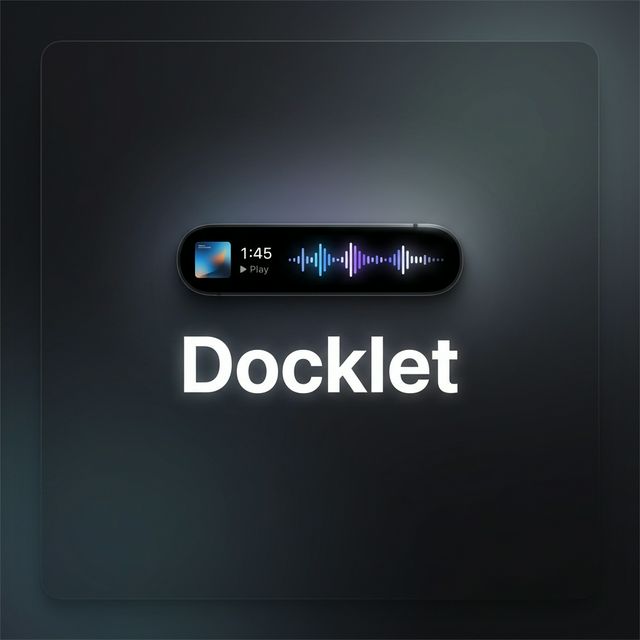
A Dynamic Island for macOS — a floating strip that lives at the top of your screen.
What Docklet is
A Dynamic Island for macOS — a floating strip that lives at the top of your screen.
Who it's for
Mac users who juggle music, files, meetings, and focus sessions throughout the day.
What problem it solves
You stop switching apps for things that should take one second.
Free download. macOS 13 or later.
Available Now
Free download for macOS 13 or later. Pro features unlock with a 7-day free trial.
Download for macOSbrew install --cask aramirez087/docklet/docklet
Product walkthrough
Docklet adapts to what you're doing right now.
Now Playing
01
Now Playing
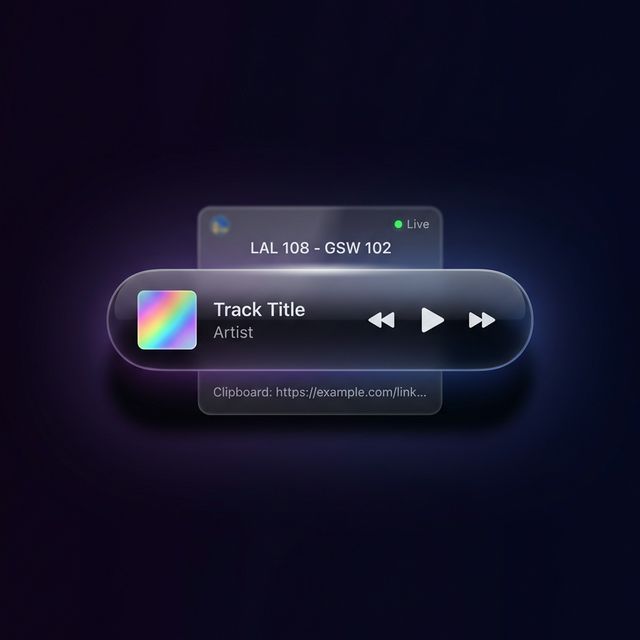
Play, scrub, and switch sources in one floating strip that stays out of the way.
Quick Actions
02
Quick Actions
Files, clipboard items, and timers appear where your eyes already are.
Live Pulse
03
Live Pulse
Scores, deliveries, and SDK cards show up as glanceable pulses, then fade.
Flow Mode
04
Flow Mode
Docklet collapses when idle, expands when needed, and gets out of your way again.
Scroll to move through the horizontal story.
Native Swift. Near-zero idle CPU. Built for the Mac.
Control Spotify, Apple Music, VLC, or YouTube without switching windows. Scrub, skip, and see what's playing — from the strip.
Drag a file onto the island to share it via AirDrop instantly. No Finder window needed.
Volume and brightness feedback that replaces the macOS default. Minimal, beautiful, out of the way.
Pomodoro presets and custom countdowns. The timer lives in the strip so you stay on task without checking the clock.
Scroll through recent copies with the dial. Preview text and images, extract text from screenshots with built-in OCR.
Sports scores and delivery tracking, updating in real time at the top of your screen.
Push anything to the island with a single HTTP request. Build cards for your own tools and workflows.
We ship fast. Here's what we're building.
AirPods and Magic Mouse battery and connection status, right in the island.
Copy anything, then format, search, or act on it with one tap.
A fluid animation layer that reacts to your music in real time.
Live upload and download speeds for when bandwidth matters.
Pay once, own it forever. Free tier included.
$0
$6.99 one-time
7-day free trial · 2 years of updates
Download it from this page or install via Homebrew: brew install --cask aramirez087/docklet/docklet. It's free, with a 7-day Pro trial included.
Yes. Docklet Pro includes a 7-day free trial with full access to every feature.
Your app keeps working forever. After 2 years you can optionally renew for continued updates, or keep the version you have.
Each license covers one Mac. Multi-Mac support per license is planned for a future update.
Yes. Docklet Free includes Now Playing, Adaptive HUD, Focus Timer, Clipboard History, and more. No time limit, no credit card.
Docklet requires macOS 13 (Ventura) or later. It runs natively on both Apple Silicon and Intel Macs.
Yes. Docklet detects and controls playback from Spotify, Apple Music, VLC, YouTube in browsers, and other media sources automatically.
Yes. Docklet adapts its size and position based on your display. It works on MacBooks with and without the notch, iMacs, and external monitors.
Near zero. Docklet is built with native Swift and uses adaptive polling that pauses when your display is asleep. Idle CPU usage is under 0.5%, and battery impact is less than 1% per hour.
The Live Cards SDK lets developers push custom notifications to Docklet's floating strip using a simple localhost HTTP API. No SDK to install, no auth required. You can show GitHub PRs, CI builds, delivery tracking, or anything you build.
Download Docklet for macOS — it's free.
Download for macOS